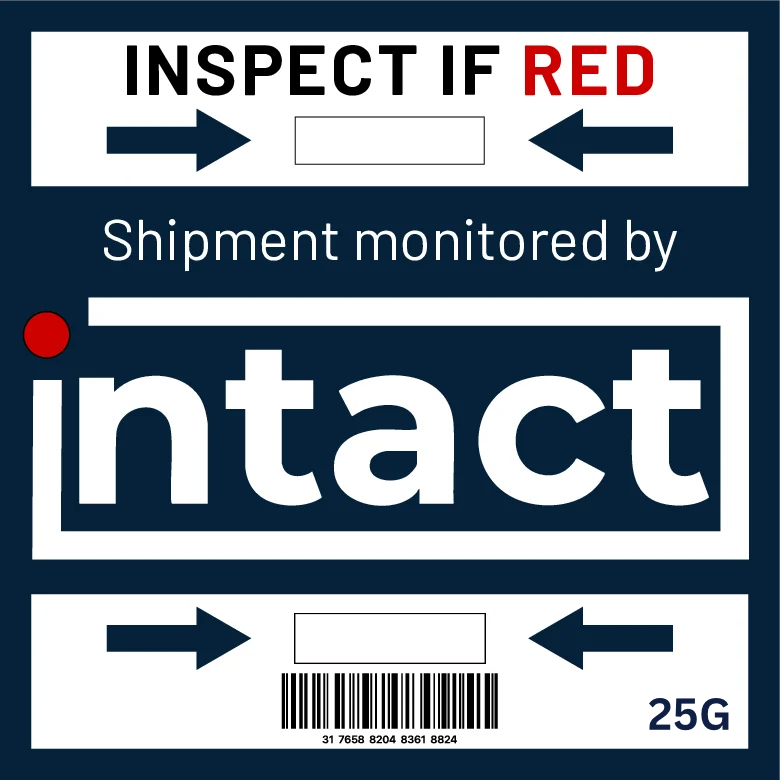
The device
A clear signal for every shipment.
The passive iNTACT Standard Indicator makes a qualifying impact visible on the outside of the package.
 Giving Every Shipment a Voice™
From application to inspection
Follow the iNTACT Standard Indicator through a shipment: apply it to the package, let it travel, then inspect if its configured impact threshold is crossed.

One shipment, one clear sequence
The product scene below replays the same movement and impact sequence used on the homepage.
The device
The passive iNTACT Standard Indicator makes a qualifying impact visible on the outside of the package.
What the signal tells you
The trigger threshold is chosen for what is being shipped. It marks the impact level that should prompt an inspection.
The Standard Indicator changes to red when its threshold is crossed. Its state cannot be reset, so the signal remains available when the package arrives.
The indicator flags a threshold event; it does not diagnose the contents or report the place or time of the impact.
Make the handoff clearer